 text-to-cad


Describe the part. Studio models it.
CAD for mechanical engineers. Get real solid models you can change by hand, test and send to your shop.
Apple silicon, M1 or newer.
Runs on your Claude or ChatGPT account, or an invite code.
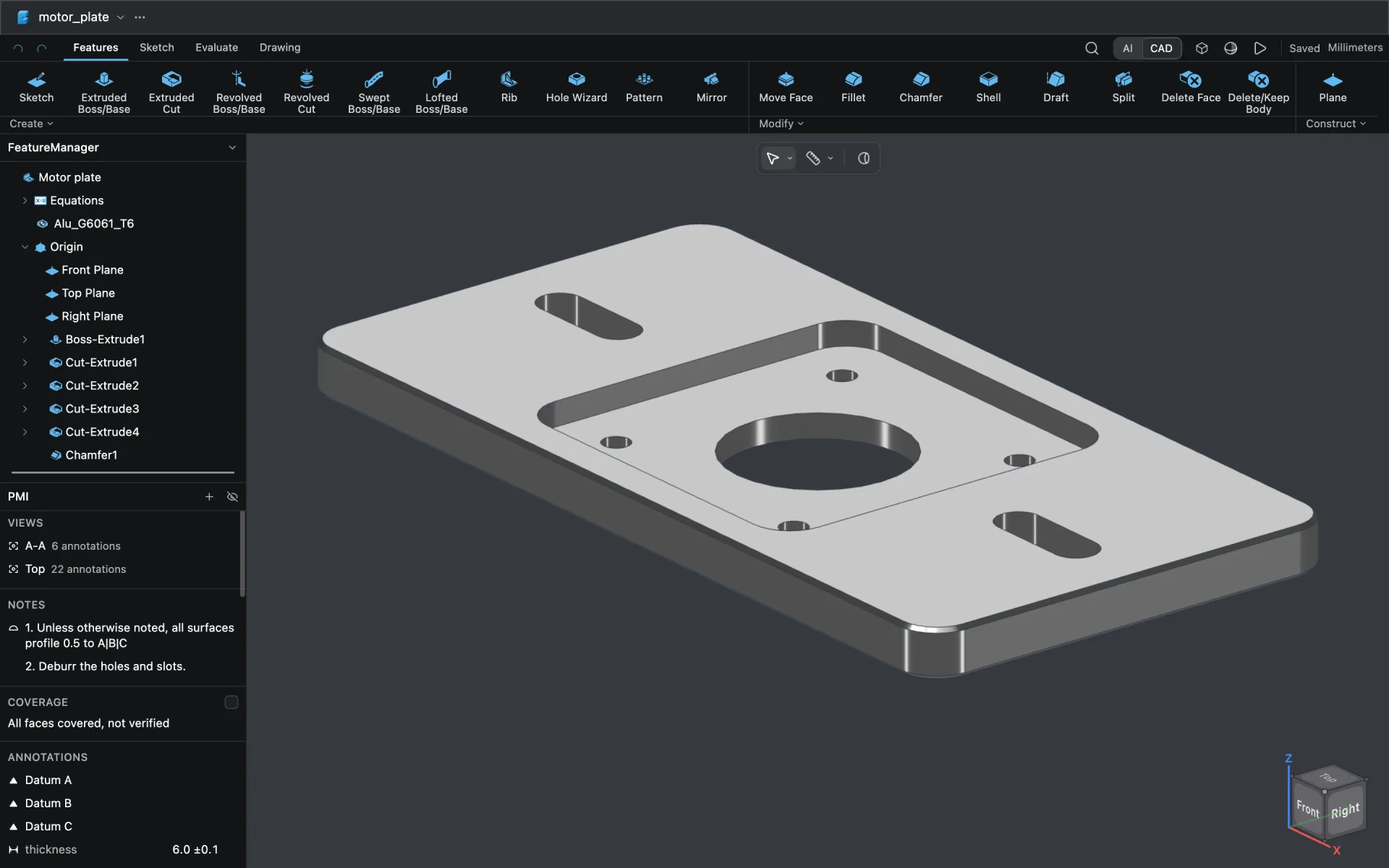
Describe it
Type what you're making, or attach a PRD, a sketch or old CAD. Studio builds it, then asks about what it assumed.
Edit it by hand
A ribbon and a feature tree, with commands where NX and SolidWorks put them. Asking and editing change the same model.
Keep every version
Each change is saved as a version, so you can compare any two and go back.
Check it before you make it
Run a strength study, then check the part for printing, CNC, sheet metal or molding. Every number comes from a real run.

Hand it to your shop
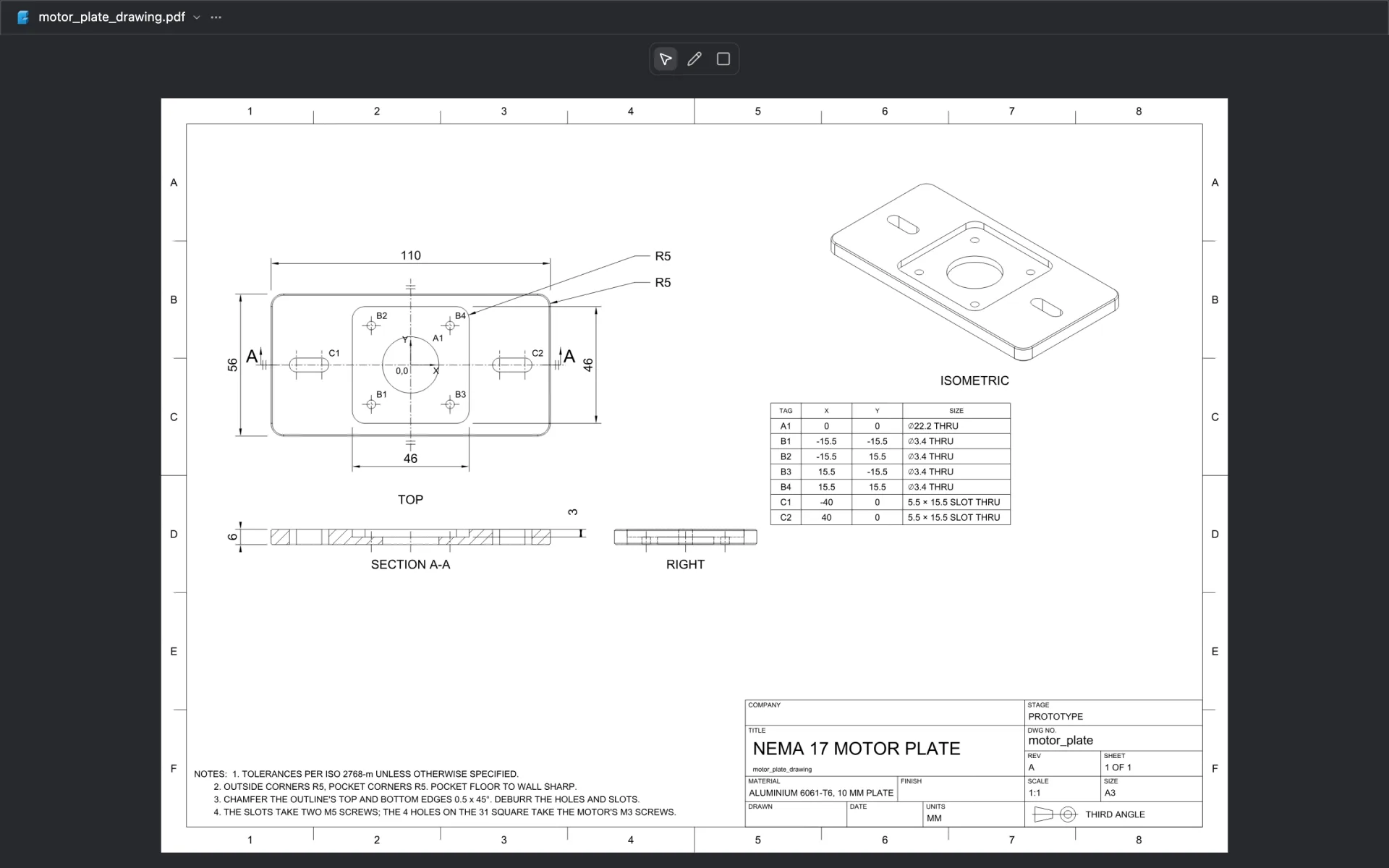
Get the engineering drawing, work instructions and parts list, plus G-code, DXF, STEP, STL and 3MF.
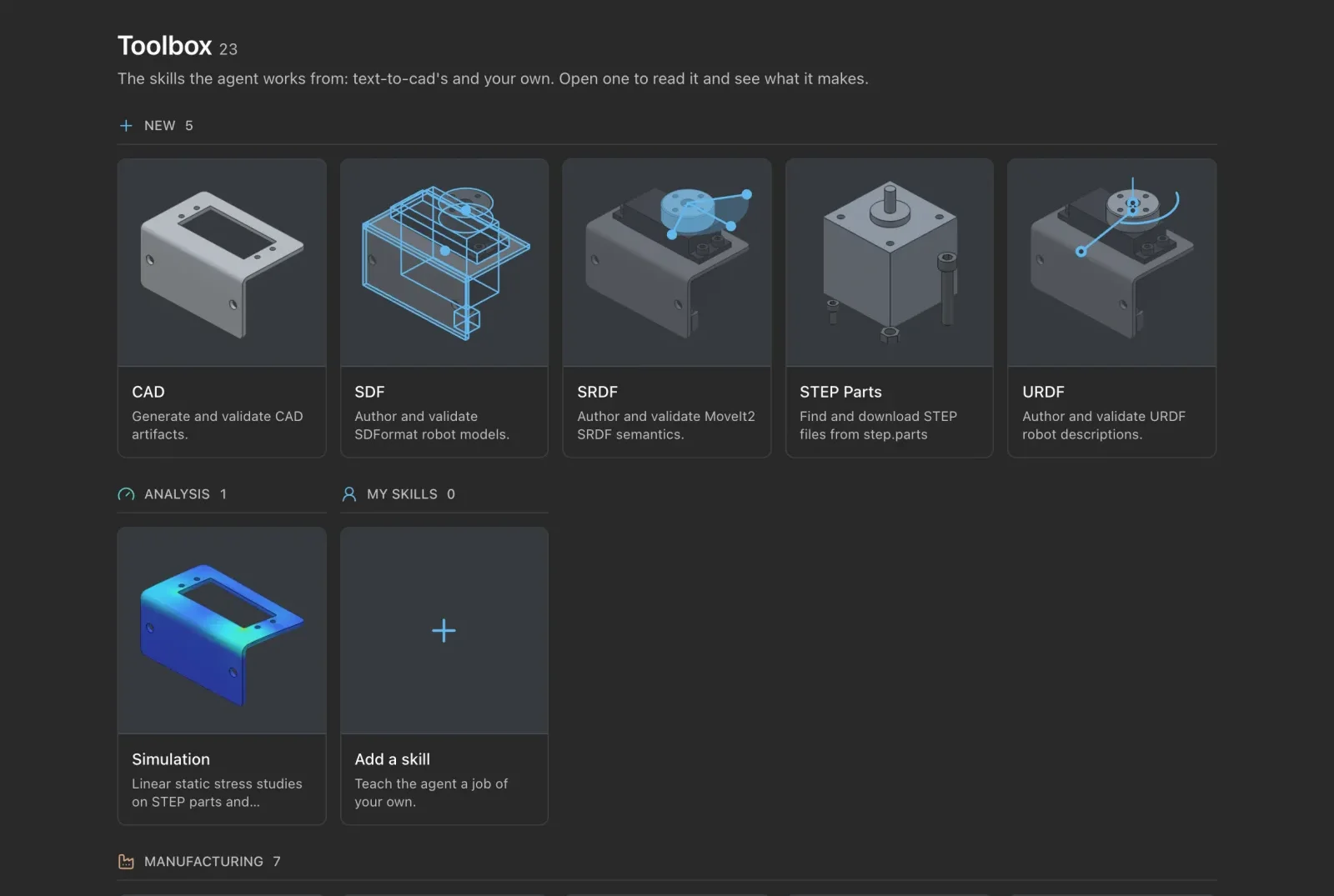
Every job in one Toolbox
Pick a job and the agent does it, asking for the loads or the machine if it needs them.
Start from an example
Each one opens as a real project you can change.
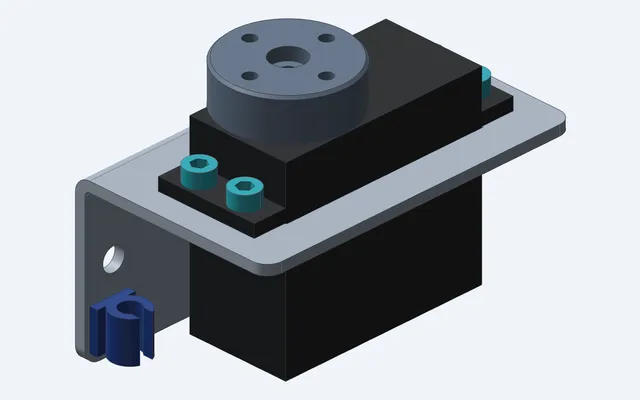
Servo bracket
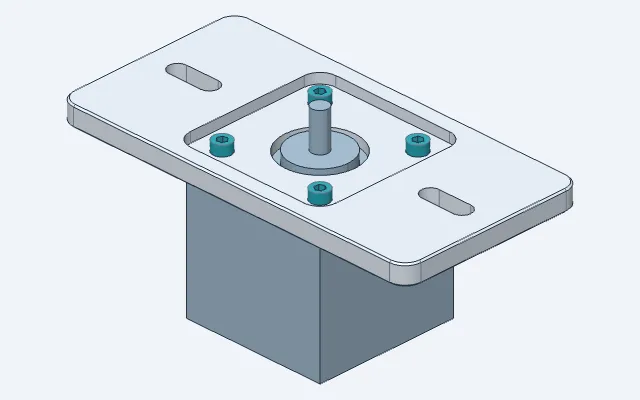
Motor mount plate
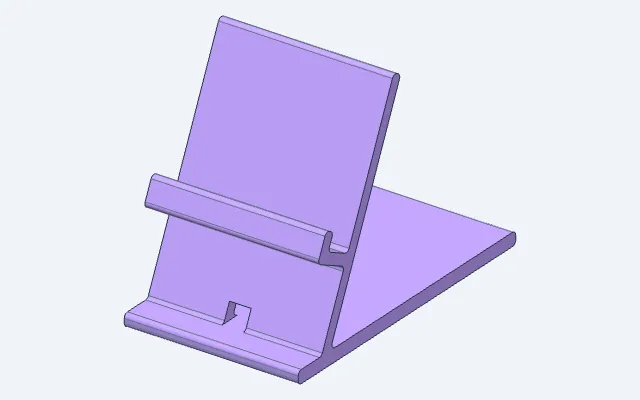
Phone stand
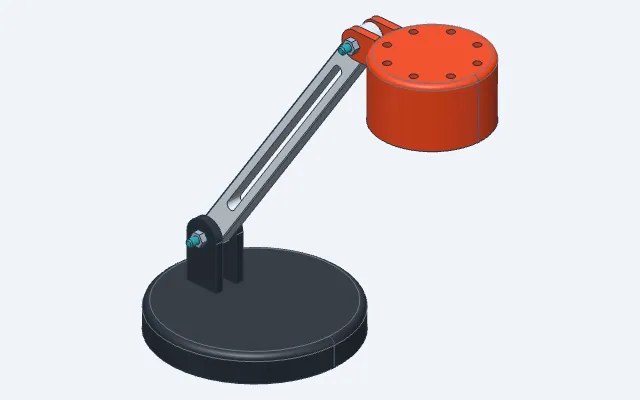
Desk lamp
Two ways to use the same tools
Studio includes text-to-cad, and its next update brings each new one.
Built in the open
Studio and text-to-cad are both open source. Tell us what broke.
What you need
Good to know
- Does it replace SolidWorks or Fusion?
- You don't have to choose. Studio exports STEP, STL and 3MF, so your parts open in the CAD you already use. Import brings existing models in, though their feature history doesn't come along.
- Where do my files live?
- On your computer. Each project is an ordinary folder with its versions inside.
- Someone sent me an invite code. Where does it go?
- On Studio's first screen, click Use an invite code and paste it. You won't need a subscription.
- What can't it do yet?
- Strength studies are linear stress on parts and bonded assemblies, and a drawing needs your review before it goes to a shop.